01 / CONTINUITY
OFFLINE MODEConnection lost.
Checkout continues.
Stellar POS works offline. Keep local checkout operations running when the network connection is interrupted.
Continuity at the point of sale.
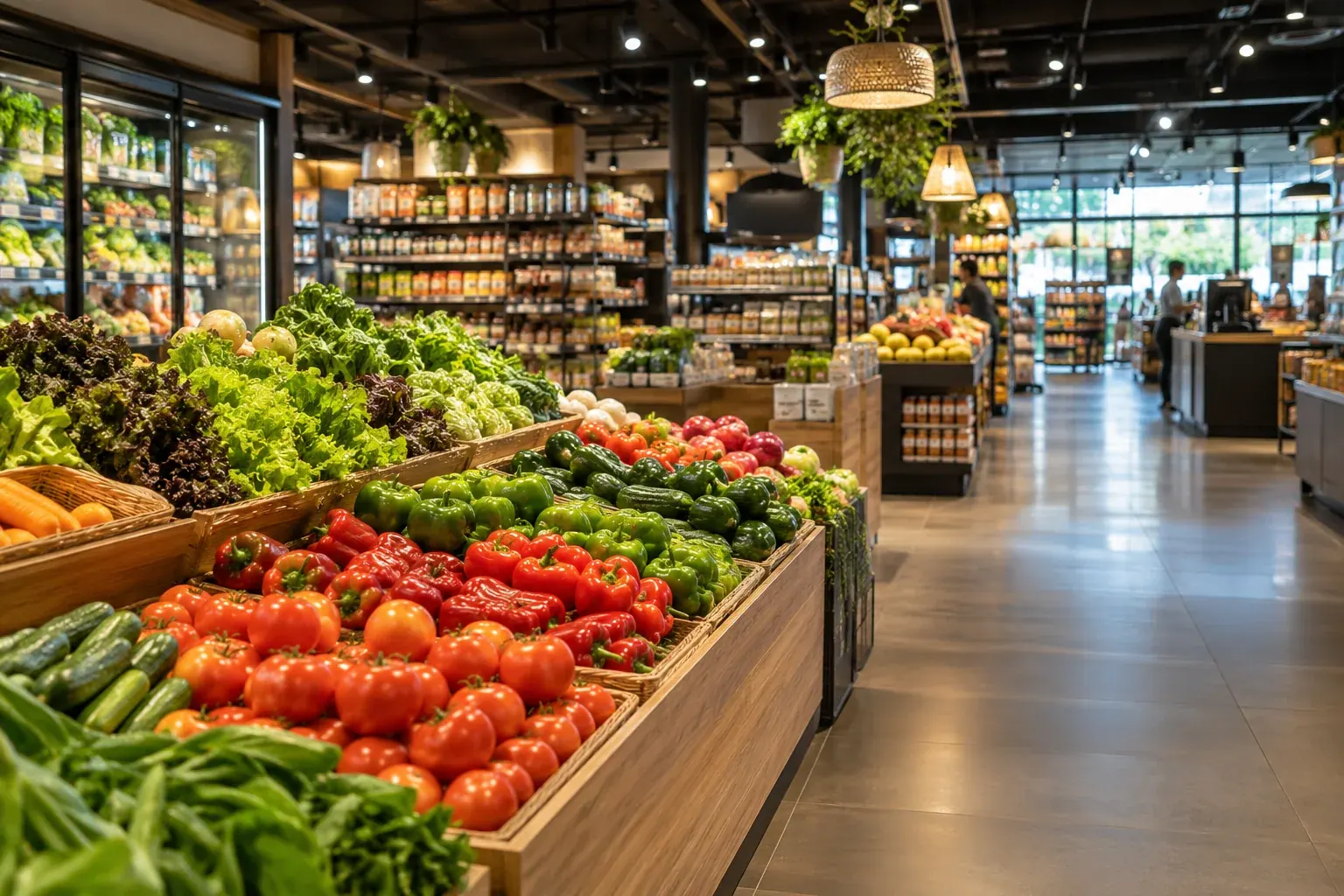
From the warehouse to the shelf. From checkout to the next visit. Software, add-ons and hardware to connect your entire supermarket with Bigwise.
Stellar POS works offline. Keep local checkout operations running when the network connection is interrupted.
Continuity at the point of sale.Designed to handle large transaction volumes quickly and support your store’s busiest trading periods.
Capacity for the pace of your business.Offline mode covers local POS operations according to the installation. Card authorization, gateways and other external services may require connectivity. Capacity is sized for your checkouts, equipment and integrations.
Explore the scope of offline modeExplore what can change for your customer, your team and your operation.

The customer experience starts before they arrive. Give your team tools to receive goods, check stock and prepare replenishment.
Your team has product information where it is needed.
MOBILE requires Stellar BUSINESS and compatible Android PDA devices.
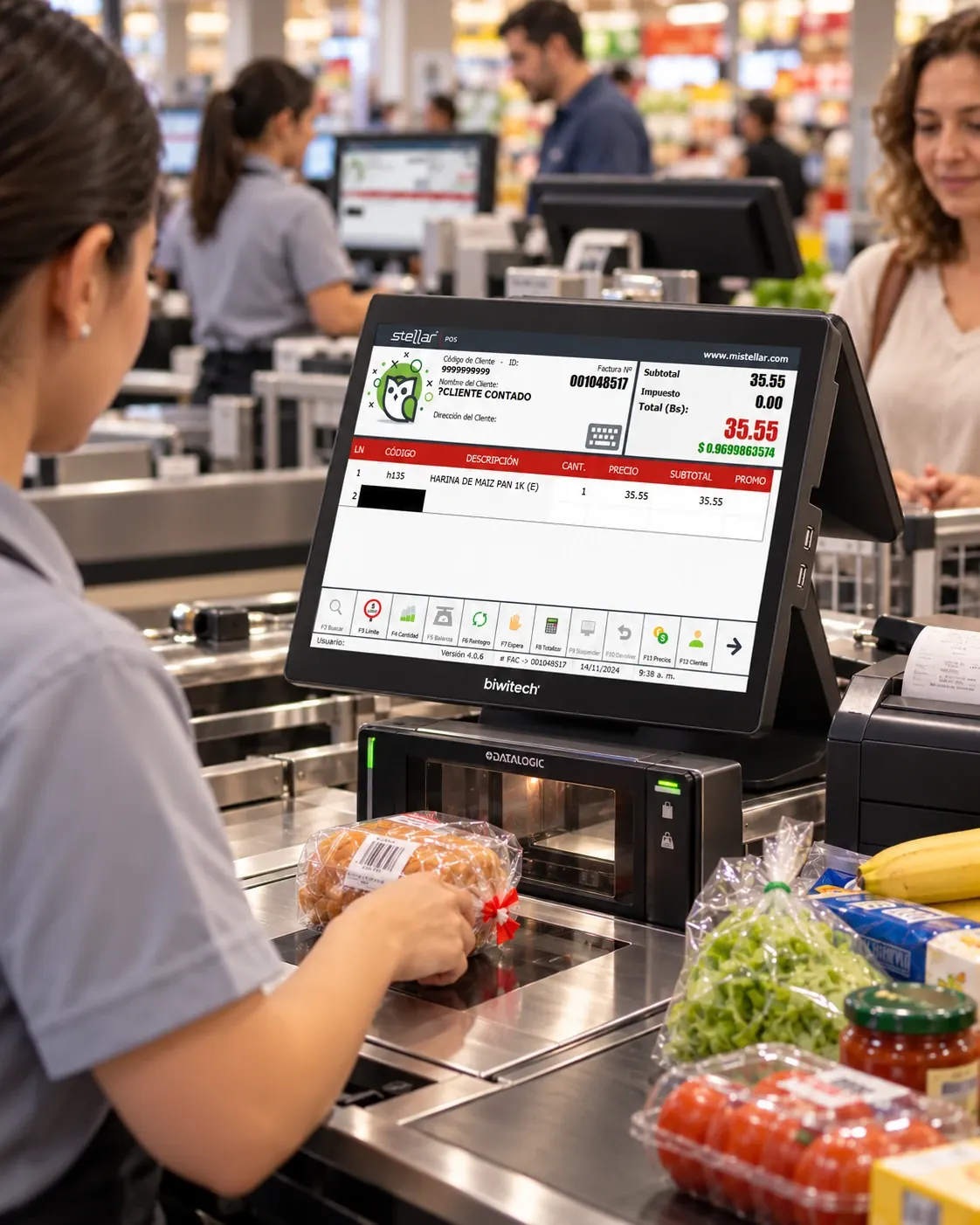
Support each purchase with tools for cashiers and control for supervisors. Connect checkout activity with your business operations.
Handle everyday purchases and exceptions from the same point of sale.
Offline mode covers local operations. External payments may require connectivity. Scales and other peripherals are verified for each installation.
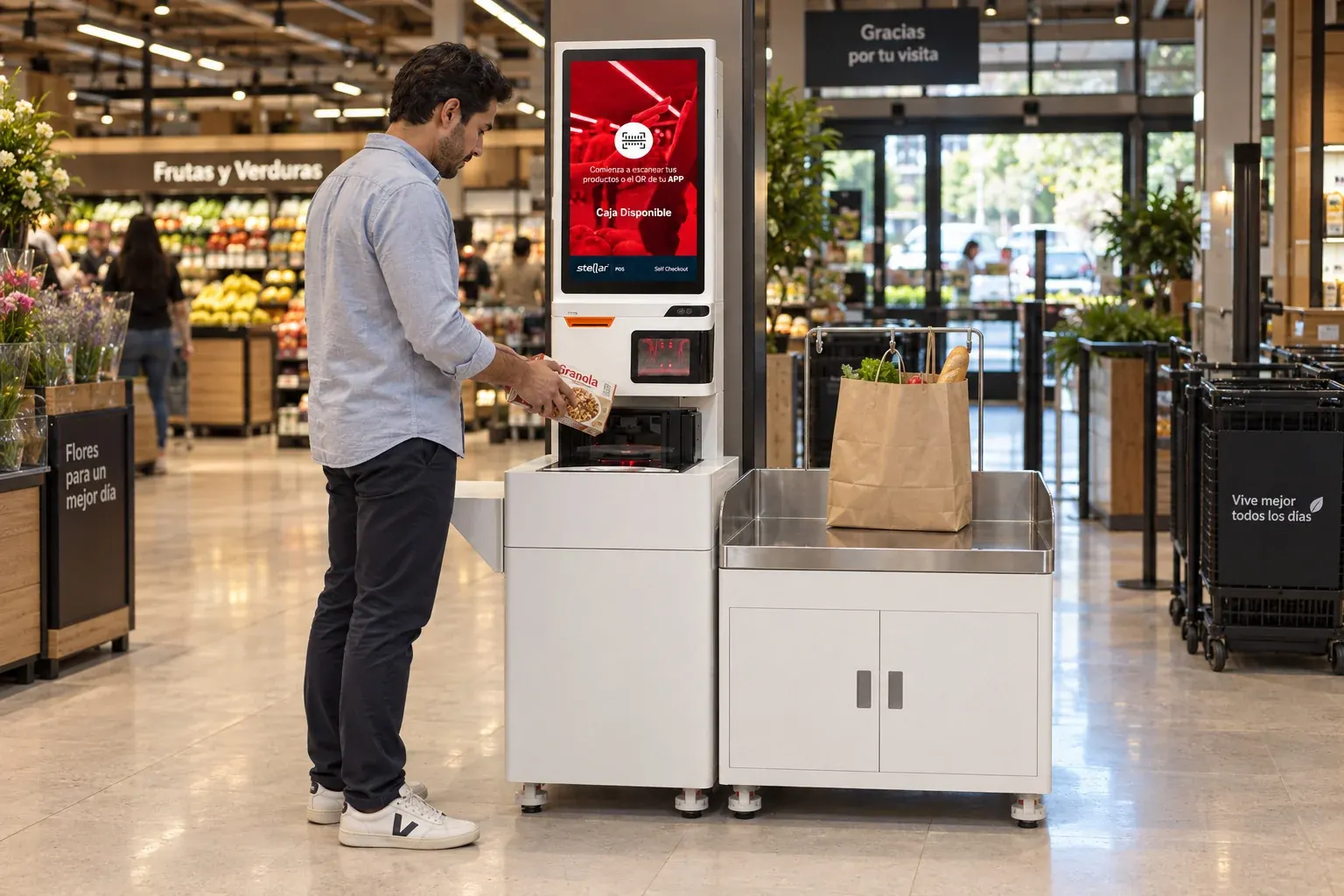
Offer a self-service option for customers to scan, pay and receive an invoice. Keep control over operations that need a supervisor.
Expand customer service options with a mode connected to Stellar POS.
Hardware, implementation, payment methods and fiscal configuration are defined per project.
Bring your supermarket online with your own identity. Connect the catalog and orders to the processes your team already uses.
Open a shopping channel that keeps your supermarket’s identity.
ERP, payment and logistics connections depend on the contracted scope.
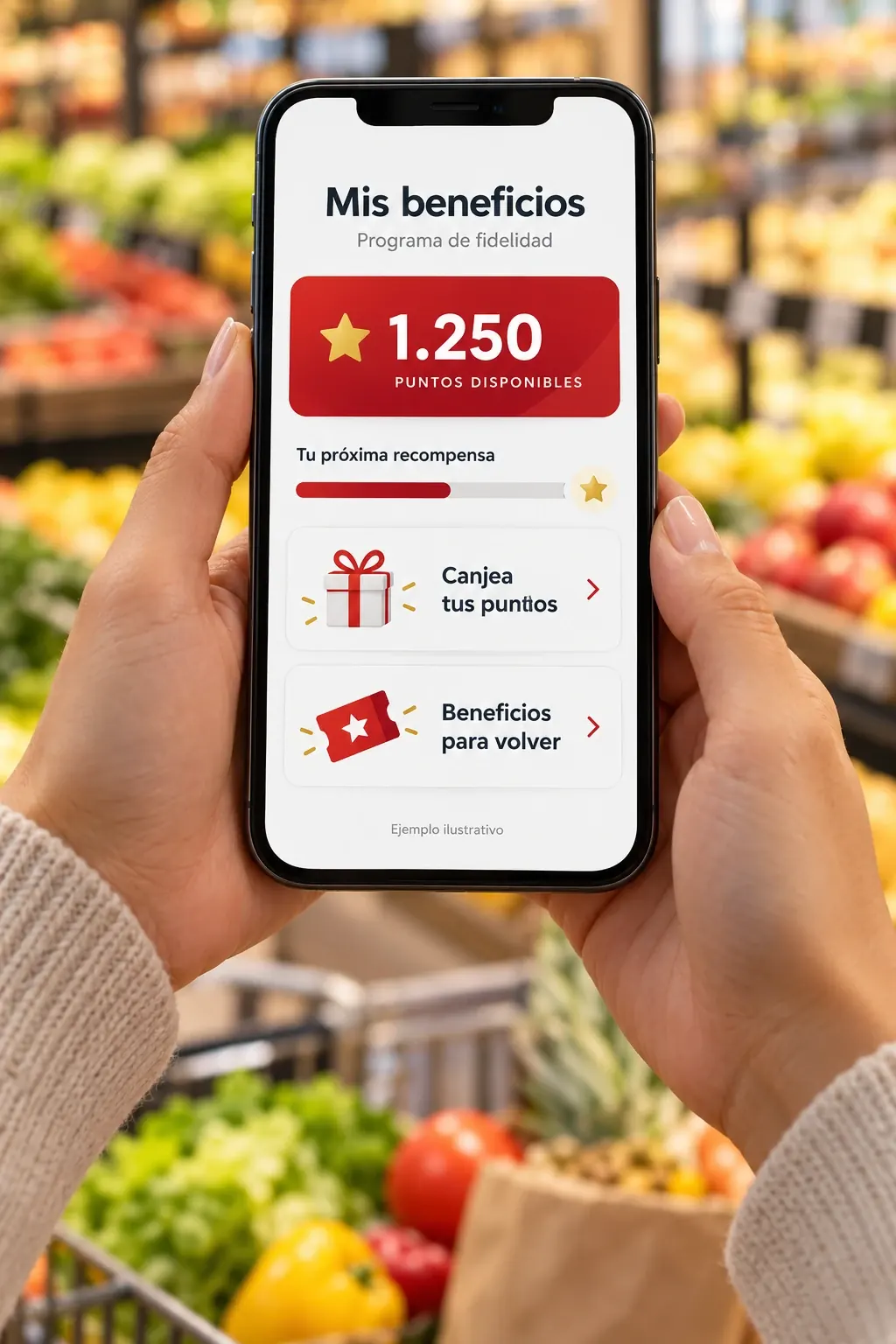
Make today’s purchase the start of a relationship. Design a loyalty program around your customers and your business strategy.
Recognize regular customers with benefits defined by your business.
Rules, rewards and the POS–BUSINESS connection are configured for your program.
Fresh bread each morning. A dessert to take home. Today’s prepared meals. When you make your own products, Stellar provides tools to organize your production.
YOUR PRODUCTION WITH STELLAR
Organize formulas for the products you make in-house.
Manage orders for your supermarket’s production.
Record production manually.
Keep records of units and administrative units.
Promotions that encourage purchases. Gifts that bring new visits. Verified payments and prices within reach. Add what your operation needs.
 STELLAR ADD-ON
Turn a gift into someone’s next visit to your store.
 STELLAR ADD-ON
Verify Zelle payments with a code as part of the checkout process.
 STELLAR ADD-ON
Design quantity offers, discounts and campaigns for your locations.
 STELLAR ADD-ON
Put price checking within customers’ reach on an Android micro kiosk.
 Stellar eWALLETYou can also manage internal accounts and balances for customers, employees and beneficiaries.
Add-ons are contracted to suit your needs. Each detail page explains compatible products and requirements.
Connect what customers see on the shelf with your operational information.
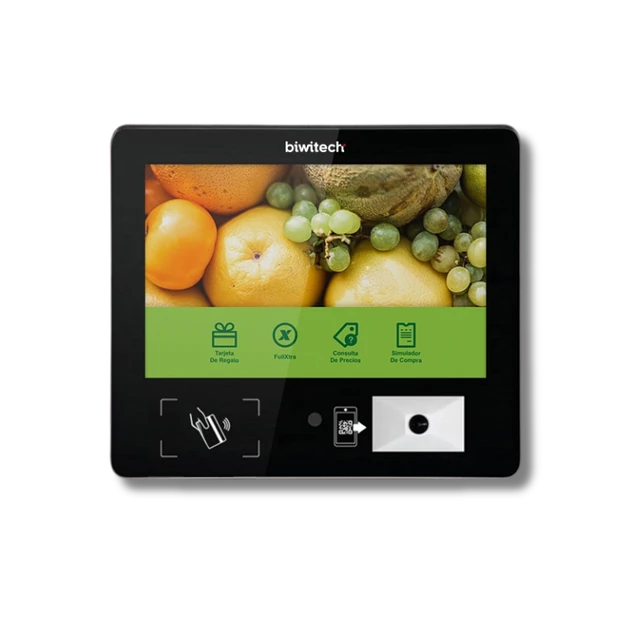 Stellar PriceCHECK
Customers scan a product and check its price themselves. Stellar PriceCHECK brings Stellar BUSINESS information to Android micro kiosks throughout your store.
Requires an active Stellar BUSINESS license and a compatible Android micro kiosk. Reward point checks and advertising require additional Stellar ADS360.
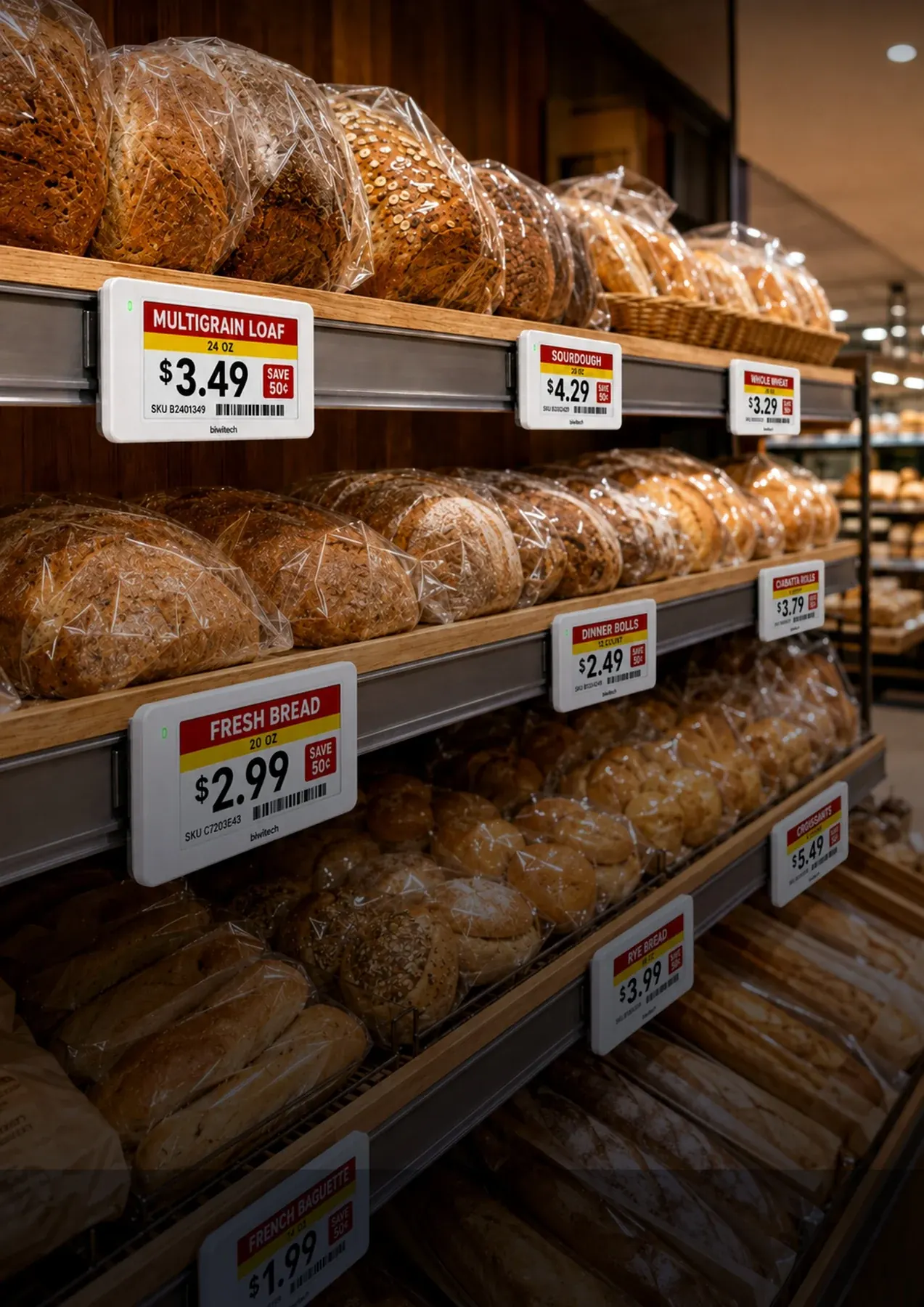
With SmartTag Pro, send prices and promotions to your supermarket’s electronic shelf labels from a central console. With Stellar, prices originate in the system you use for billing.
Labels, controllers and integration are sized for your store. Management console included, with Excel import and API options.
From fresh food to the checkout. Put your promotions in view with screens that inform, inspire and accompany the shopping experience.
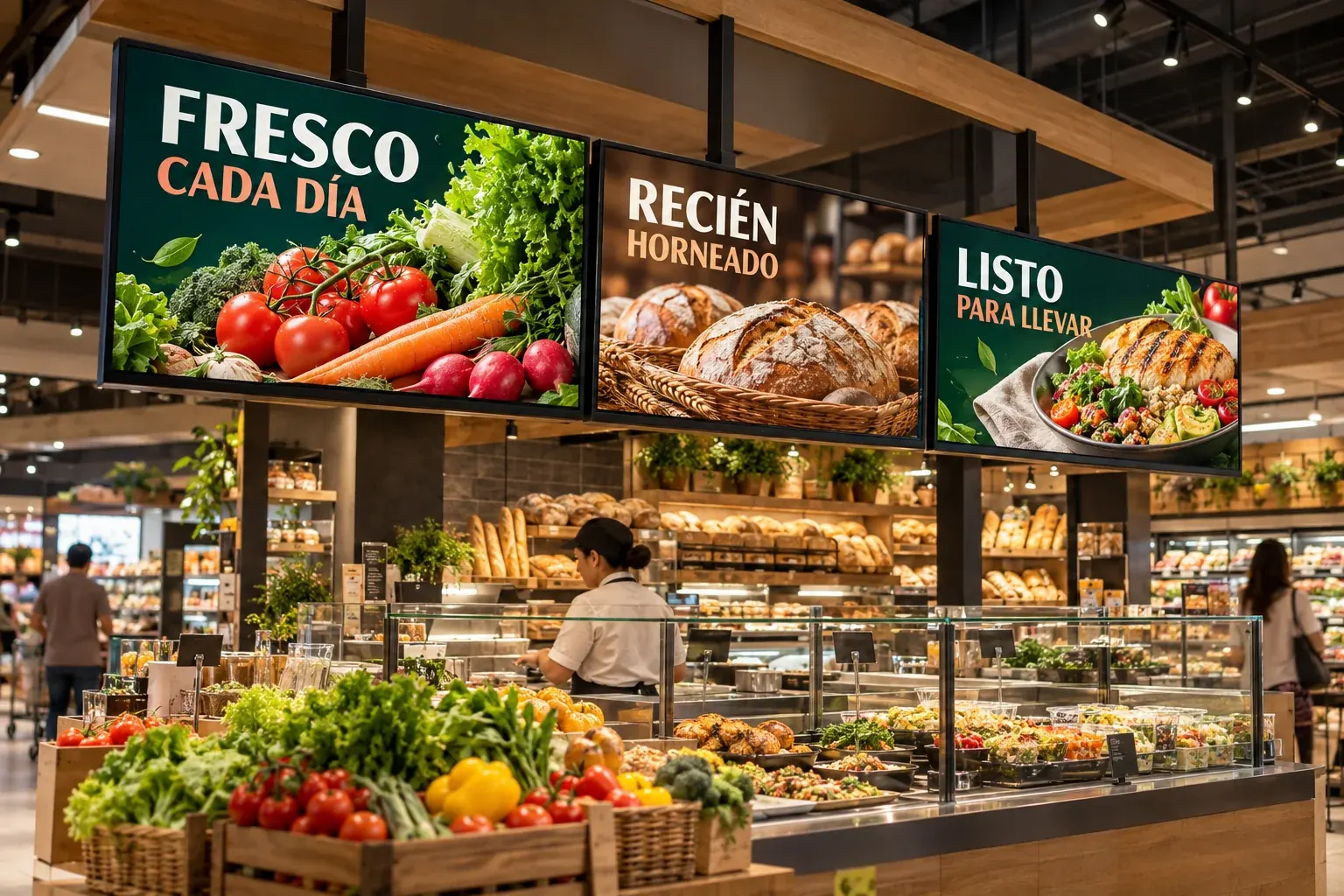
Bring fresh food, today’s bread and featured products into view.
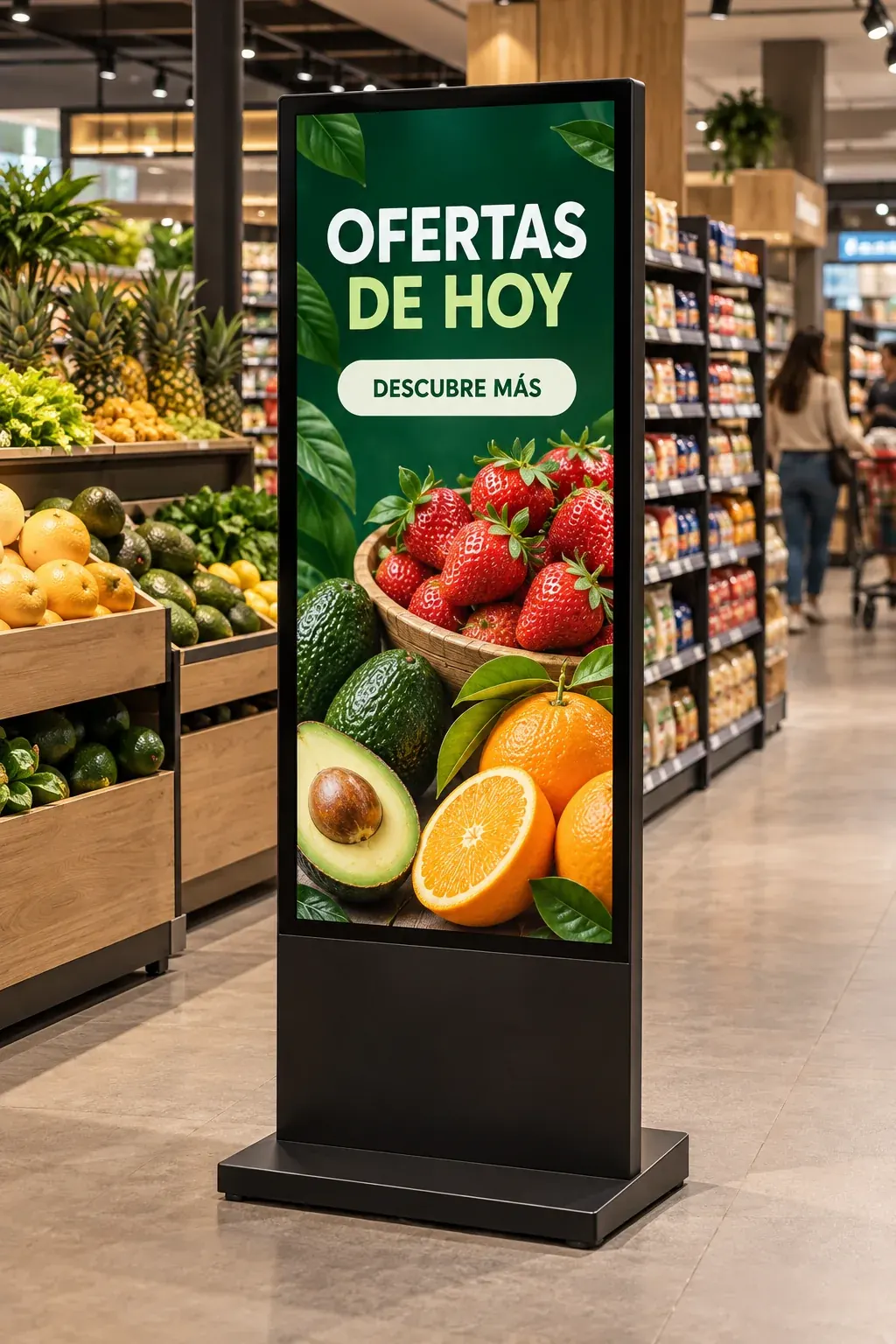
Bring your messages to aisles and display areas.
Show offers, new products and campaign messages at different points throughout your store.
Bring information and promotions to where your customer chooses products.
Show promotions and content on the customer display during checkout. Requires Stellar POS.
Work with Bigwise to define the displays and solution for your space.
Illustrative scenes. Equipment, content and integration are defined for each project.
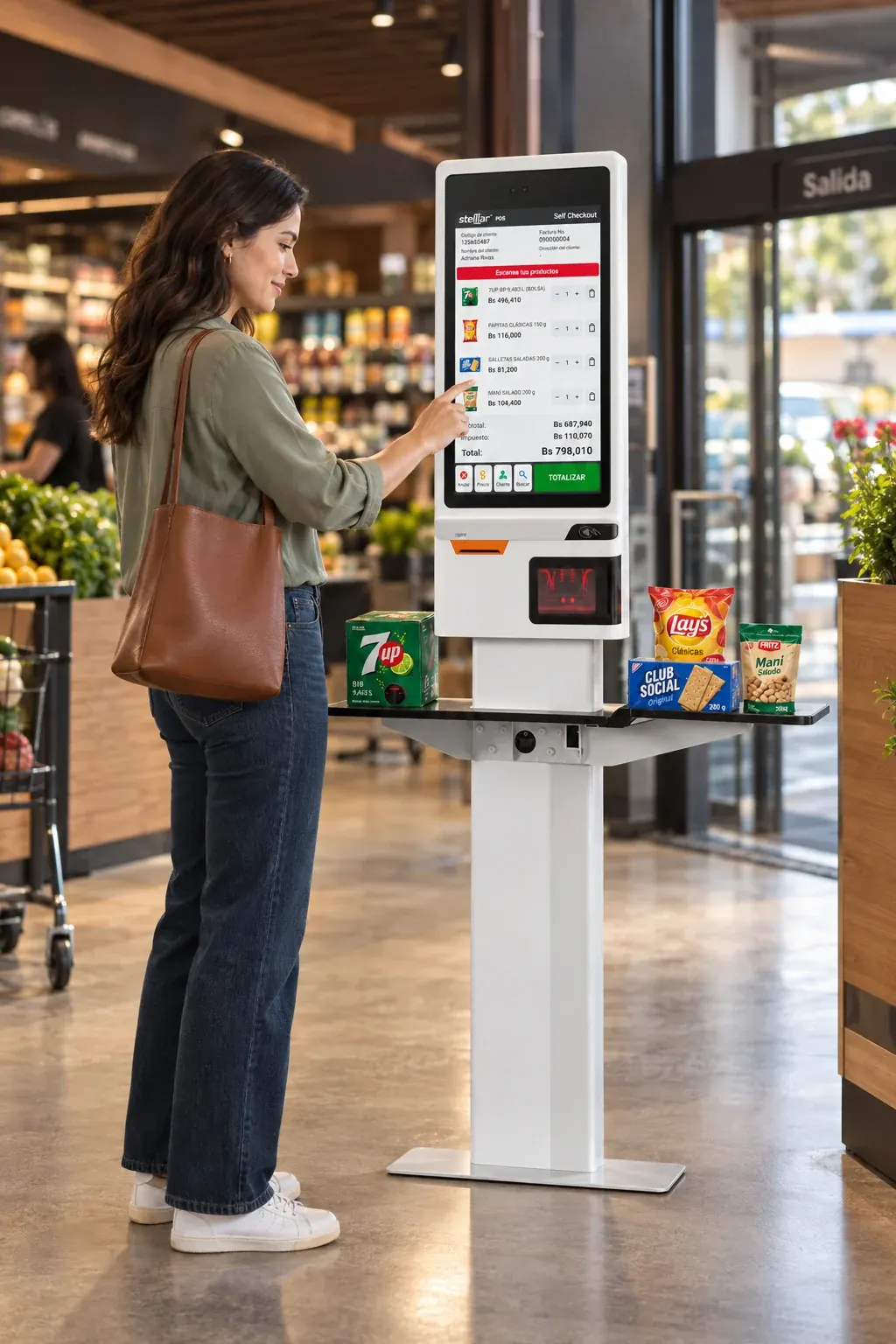 STELLAR SELFCHECKOUT
Some customers prefer to do it themselves. Give them that option with a self-service journey connected to your point of sale.
Equipment, payments and invoicing depend on country, version and configuration.

Bring the catalog to your customer’s mobile. With the relevant modules, they can check products, scan items and generate a QR code to continue shopping at the POS or self-checkout.
Explore the mobile experienceScan, Pay & Go and other modules depend on the plan and enabled integrations.Connect the administration, accounting and people that keep your supermarket moving.

Coordinate purchasing, suppliers, inventory, receivables and payables with Stellar BUSINESS.
Stellar BUSINESS
Connect BUSINESS operations to entries, cost centers and accounting reports through ACCOUNT.
Stellar ACCOUNT
Organize personnel information, attendance and payroll with HUMAN RESOURCES, according to your country and configuration.
Stellar HUMAN RESOURCESReceiving, transfers, adjustments, damaged goods and physical counts.
Picking, packing, order preparation and dispatch coordination.
Formulas, production orders and unit records.
Purchasing control, payables and payment scheduling.
Bank accounts, reconciliations, receivables and due date tracking.
Category sales, best-selling products, statistics and reports by location.
Define modules and integrations around your organization. Accounting and payroll localization are verified for your country.
Stellar software, add-ons and all the hardware for your business. Bigwise brings together the technology and support to take your project from equipment selection to launch.
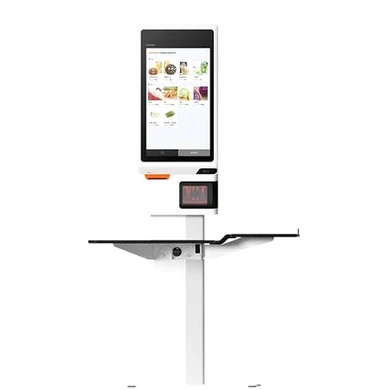
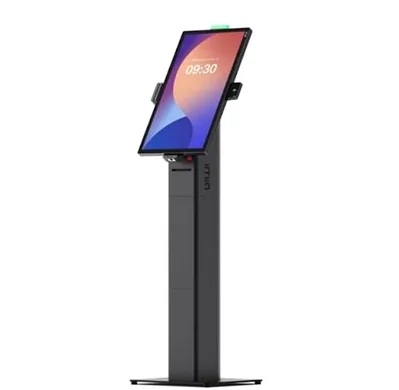
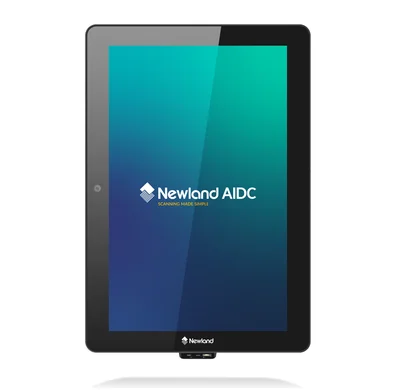
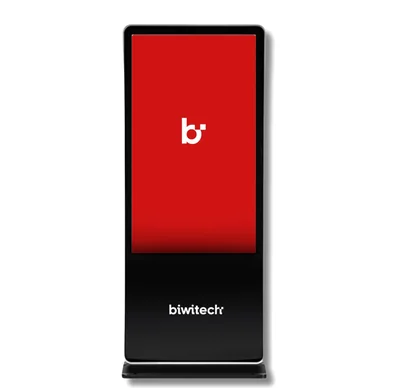
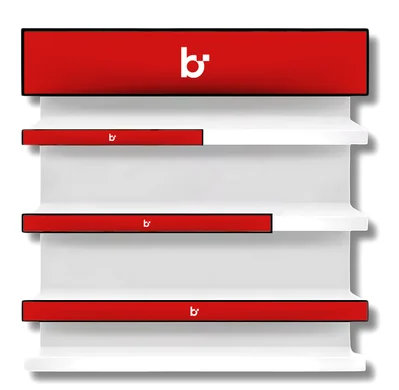
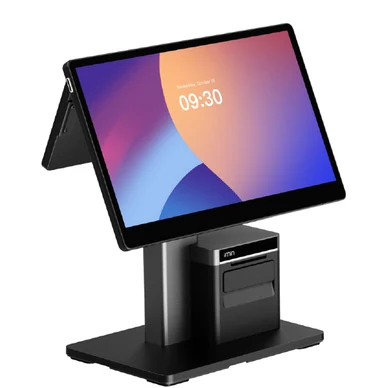
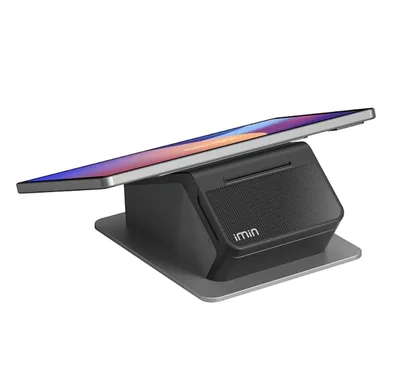
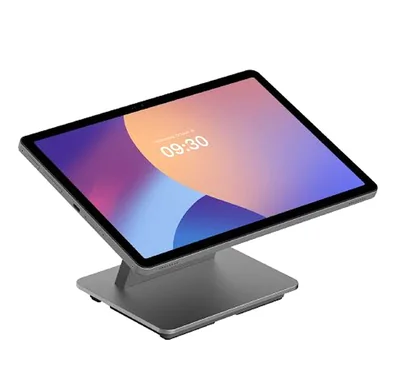
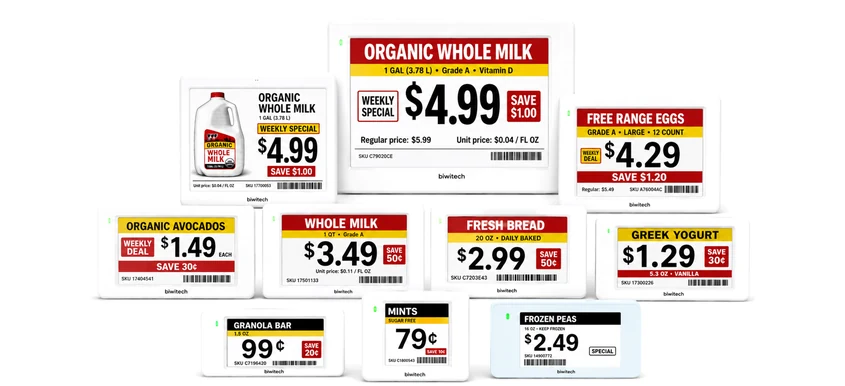
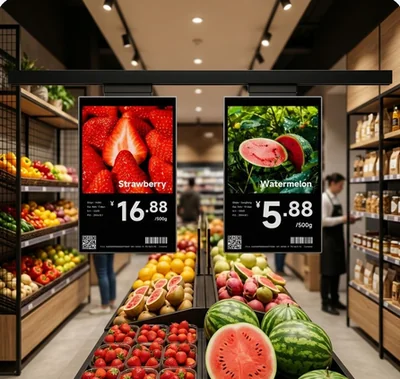
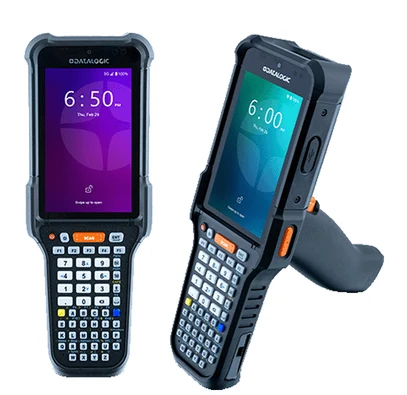
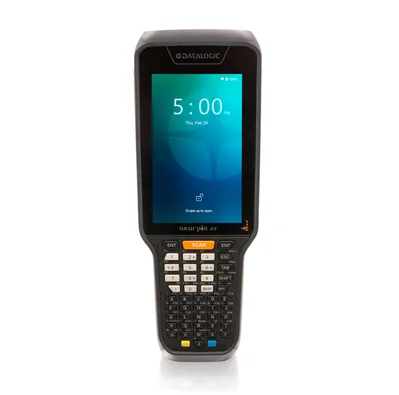
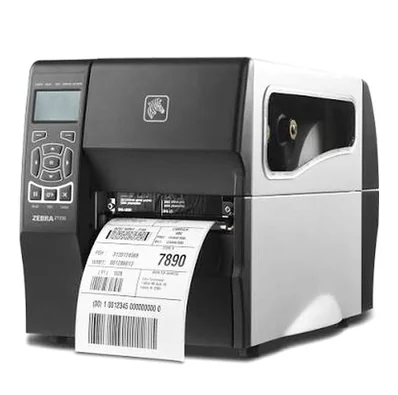
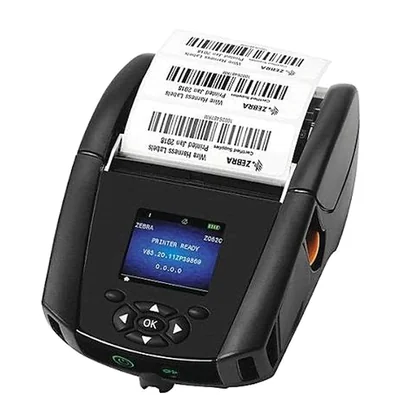
This is just a selection. Tell us what your business needs.
Explore more optionsMore equipment, models and configurations available to suit your operation. Ask us.
Terminals, customer displays, kiosks and peripherals for each checkout.
Barcode scanners, presentation readers and scanner-scales.
PDAs and mobile computers for receiving, stock counts and order picking.
Receipt and label printers, ESL and digital signage displays.
These brands and much more to equip your business.






We select models, quantities and integrations for your operation. Availability, warranties and services are detailed in the proposal.
No. The starting point depends on your operations: checkouts, inventory, self-service, online sales or loyalty. We work with you to define the products, integrations and project stages.
Stellar POS works offline and maintains local checkout operations during a network interruption, according to the configured installation. Payment authorizations, external services and synchronization may require connectivity.
Yes. It is designed to handle large transaction volumes quickly. We size the solution for your checkouts, equipment and integrations to support the pace of your supermarket.
Yes. The brochure describes SelfCheckout with no additional software cost for Stellar POS customers, subject to version and configuration. Implementation, hardware and peripherals are quoted per project; payment methods depend on the country and enabled integrations.
MOBILE requires integration with Stellar BUSINESS and compatible Android PDA devices. Your receiving, inventory, replenishment and order preparation processes are reviewed to define the configuration.
WEBSTORE can connect products, prices, inventory and orders with an ERP through the available integration. Payments, locations, preparation and dispatch are validated within the project scope. APP STORE can extend the mobile experience depending on the plan.
Yes. Stellar covers formulas, production orders, manual production, and records of units and administrative units. These tools support supermarkets that make products in-house, for example in bakery, pastry or prepared food departments. We review your processes and the module’s scope with you.
Stellar PROMO for promotions, eGIFTCARD for gift cards, eZELLE for payment verification and PriceCHECK for price checks. You can also add eWALLET for internal accounts and balances, customer displays and digital signage. Each solution has its own requirements and contracted scope.
An active Stellar BUSINESS license and a compatible Android micro kiosk. Reward point checks and advertising additionally require Stellar ADS360.
Yes. Bigwise offers Biwitech SmartTag Pro to update prices and promotions from a central console. It can work with Stellar or Excel imports, and an API is available. Each project defines labels, controllers, coverage and integration. The Freezer version is designed for freezers.
Yes. Our one-stop shop brings together Stellar software, add-ons, equipment, implementation and support. We can supply POS terminals, self-checkout, scanners, scales, PDAs, printers, electronic shelf labels and digital signage, with a broad portfolio of recognized brands including Datalogic, Zebra, SUNMI, TSC, Elo, iMin, Custom, Touch Dynamic, Sensormatic, Newland, CAS and Biwitech, among many others. Models, compatibility and services are defined in the proposal.
Yes. The Digital Signage offering includes displays, digital totems and interactive shelves for promotions, messages and product information. You can also show content on the checkout’s customer display, which requires Stellar POS. Equipment, content and integrations are defined for your project.
Tell us how many checkouts and locations you have, how you manage inventory and what you want to improve. Let’s prepare a demonstration around those moments.
Design my Stellar experienceA conversation focused on your supermarket.Software for supermarkets in Venezuela: Stellar POS checkout, MOBILE inventory and BUSINESS administration. Add self-checkout and online sales.